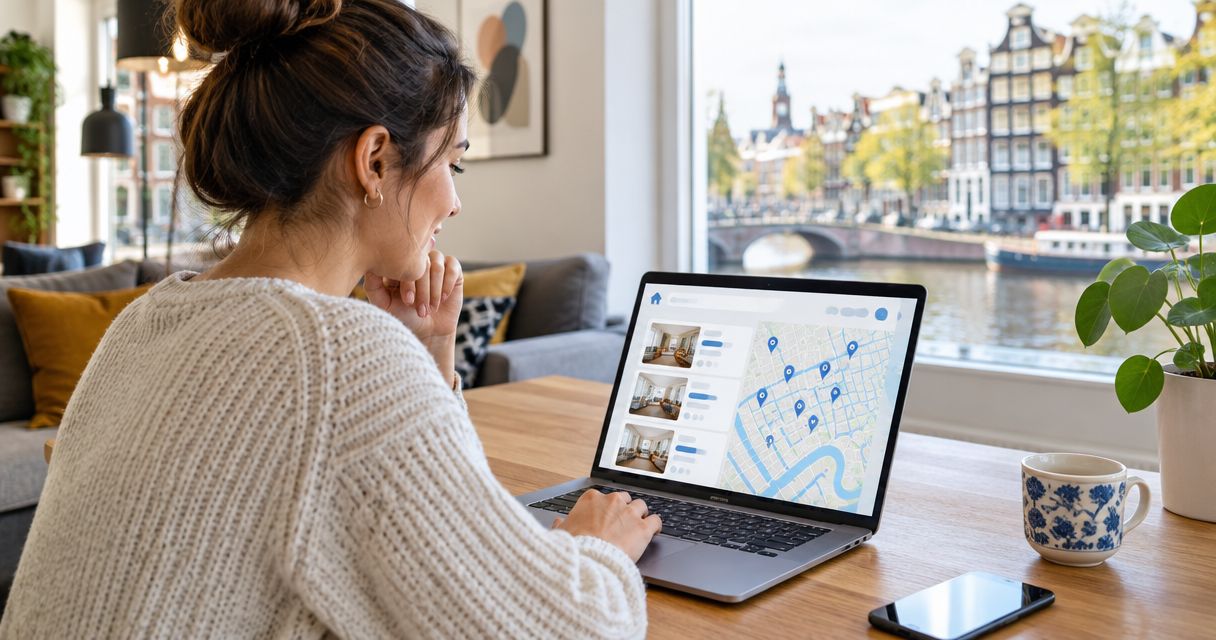
Instead of manually chasing Dutch rental listings, arranging a viewing from abroad, and rebuilding your application for each home, set up a repeatable video viewing to rental application workflow: confirm the listing, inspect the home remotely, prepare your documents, then submit through the channel the advertiser specifies. Relocify is best for expats who want to view Dutch rentals remotely and apply without traveling to the Netherlands.
- The video viewing to rental application workflow is: confirm the listing, inspect the home, prepare documents, and submit through the stated channel.
- Relocify Search suits expats who want to manage the rental application themselves; Relocify Plus adds team-led apartment finding.
- A video viewing does not replace written confirmation of rental terms or a review of the lease before signing.
- Keep each property's viewing notes, application documents, and correspondence together so you can respond without rebuilding your file.
Why this matters
A remote viewing solves only one part of renting: you can see a home without traveling, but you still need to decide whether it fits, establish who is handling the rental, and send a usable application. If those tasks live in separate messages and folders, an unanswered question from the tour can follow you all the way to the lease.
The 2026 workflow below puts a decision gate between viewing and applying. If the home or the rental terms do not check out, stop before sending sensitive documents. For more questions to raise during the tour, use the guide to viewing a Dutch rental apartment remotely.
Before you start
- Set your search brief. Write down the city or area, intended move-in date, household size, and requirements you cannot compromise on. Use the same brief when assessing every listing; otherwise, an attractive video can distract from a basic mismatch.
- Prepare access and a document folder. Make sure you can receive viewing invitations and reply from the email address you will use to apply. Keep your identification and evidence of income or employment available, but check what the advertiser requests before sending them.
- Confirm who will conduct the viewing. Ask whether the video is a live tour of the advertised home or a recording. A recording cannot answer questions in real time; request clarification before treating it as a substitute for a live inspection.
The easily missed step is matching the video to the listing. Ask the host to confirm the address or unit identifier, who is advertising the property, and whether the home shown is the home you can apply for. Do this before you invest time assembling an application for that listing.
Confirm the listing
- Copy the listing details into a single record. Include the advertised address or property identifier, contact name, viewing appointment, stated move-in date, and the channel where you found it. Keep the original listing text or a saved copy so you can compare it with later messages.
- Ask who accepts applications. The viewing host, listing contact, and party reviewing applications are not necessarily the same person. Get the application recipient and submission method in writing; do not assume that replying to a viewing invitation counts as applying.
- Check your non-negotiables before the call. Ask about occupancy, the stated rental period, furnishings, and any feature your search brief requires. If an answer conflicts with the listing, resolve it before you share documents.
- Arrange the viewing format. Request a live video tour when you need the host to show a particular room, window, entrance, or condition. If only a recording is offered, list the questions it leaves unanswered and ask for a direct response.
Expected result: you know which home will be shown, who is handling the application, and which questions the viewing needs to settle. If you cannot establish those basics, pause the 2026 application workflow rather than guessing.
Run the viewing
- Open your listing record during the call. Compare the advertised layout and features with what you see. Ask the host to identify any area that appears in the listing but not in the tour.
- Request a continuous walk-through where possible. Ask to see the entrance, living spaces, kitchen, bathroom, and any area central to your decision. A live tour lets you ask the host to return to something unclear; a prerecorded clip does not.
- Test practical fit, not just appearance. Ask about the move-in condition, which furnishings remain, and whether a feature shown in the video belongs to the rental. Record the answer alongside your observation instead of relying on memory.
- Separate what you saw from what you were told. Write down visible conditions as observations. Mark statements about lease terms, included items, or future work as questions to confirm in writing.
- Close with the application process. Ask what documents the recipient wants, where to send them, and how they will confirm receipt. If the host cannot answer, request the correct contact rather than sending your file to an unconfirmed address.
Expected result: your notes identify both the home's visible condition and every unanswered application question. In 2026, a remote tour is useful evidence for your decision, not proof that every advertised term will appear in the lease.
A viewing record works best when it follows the same path every time: listing details, tour observations, written answers, then the application record. That order also makes discrepancies easier to spot before you commit.
Prepare application evidence
- Read the advertiser's document request first. Use it as the checklist for this property. A standard folder helps you respond, but it does not tell you what this particular landlord or agent requires.
- Check that your documents support the same application. Your name, proposed occupants, intended move-in date, and employment or income explanation should not contradict one another. If you do not have a Dutch payslip, explain what evidence you can provide and ask whether the recipient accepts it.
- Choose what to disclose through the stated channel. Confirm the recipient and purpose before sharing identification or financial records. If a request seems unrelated to assessing your application, ask why it is needed and whether a different document will do.
- Draft a short application message. Identify the home, state your intended move-in date and household details, and list the documents attached or supplied through the application channel. Ask the recipient to confirm receipt and identify anything missing.
- Recheck unresolved viewing questions. Do not turn a verbal answer into an assumed lease term. Request written clarification of anything that affects whether you would accept the home.
Expected result: you have a property-specific application, a verified recipient, and a clear list of open questions. The point of preparing early is not to send more information; it is to send the right information to the right place.
Submit the application
- Use the channel the advertiser confirms. That might be a listing's application process or a direct exchange with the authorized contact. Follow the instructions you received for this home rather than inventing an alternate route.
- Identify the property clearly. Include the address or listing identifier used by the advertiser so your documents can be matched to the viewing. State that you are applying, not merely asking for another tour.
- Attach only the requested materials. Check that files open, names are readable, and the message explains any document you discussed as an alternative. Avoid sending the same sensitive file through several channels simply because a reply has not arrived.
- Save proof of submission. Keep a copy of the message or submission confirmation with your viewing notes. Record the recipient and submission date so you can follow up on the same application rather than starting a duplicate thread.
- Ask for the next decision, not an assumed acceptance. A received application is not an approved application, and an approved application is not a signed lease. Ask what happens next and which terms will be put in writing.
Expected result: the authorized recipient has your property-specific application, you have a record of what you sent, and you know what response you are waiting for. That is the end of the video viewing to rental application workflow, not the end of the rental process.
Start your Dutch rental search
View rentals remotely and choose whether to manage the process yourself or get apartment-finding help.
Apply after a recorded tour
A recorded tour changes the viewing step, not the application standard. You can review the footage on your schedule, but you cannot ask the camera operator to inspect a particular concern or confirm that the recording reflects the home's current condition.
Use this 2026 variant when a live tour is unavailable:
- Match the recording to the listing. Ask the contact to identify the property and confirm that the recording shows the home currently being offered.
- Write questions while watching. Separate what the video visibly shows from claims in the listing, including furnishings or areas outside the frame.
- Request answers from the authorized contact. Ask for clarification before preparing sensitive application documents. A vague response leaves the question open; it does not convert a recording into a live inspection.
- Continue through the same document and submission steps. Confirm the recipient, follow the advertiser's instructions, and keep written answers with your application record.
Expected result: you can decide whether the recording and follow-up answers are sufficient for you to apply. If they are not, request a live viewing or stop the application.
Choose who manages the search
Relocify offers two distinct ways to handle the work before and around this 2026 workflow. Relocify Search is best for expats who want to manage their own Dutch rental search and application process; Relocify Plus is best for expats who want the team to find an apartment for them. Neither route removes the need to check a specific home's terms and application instructions.
| Option | Best for | What it does | Trade-off |
|---|---|---|---|
| Relocify Search | An applicant who wants to manage the process independently | Provides an automated process, document review, and assistance as you manage the search | You remain responsible for managing the process yourself |
| Relocify Plus | An applicant who wants apartment-finding help | The team finds an apartment for you | It is an assisted route rather than a fully self-managed search |
Choose based on who should do the apartment-finding work. Then use the same listing check, viewing notes, written clarifications, and submission record for each property you consider.
Troubleshooting
The video does not show the advertised feature. Ask the host to show it live or explain in writing why it is absent. Do not mark a feature as verified because it appears in the listing text.
The viewing host cannot name the application recipient. Hold your documents and request the authorized contact and submission method. A viewing invitation alone does not establish where sensitive records should go.
Your income evidence is not a Dutch payslip. Ask which alternative evidence the recipient will assess, then explain the documents you have. Do not label an alternative as accepted until the recipient confirms it for this application.
You submitted but received no confirmation. Check the channel's submission record, then follow up in the same thread with the property identifier and date sent. Avoid creating a second application before establishing whether the first arrived.
The proposed lease differs from the listing or viewing answers. Stop before signing. Identify each difference in writing and ask for clarification or a corrected document; the video does not override the agreement you are asked to sign.
Customize your workflow
Create one record per property rather than one running note for your entire search. Keep the listing, viewing observations, contact details, requested documents, application submission, and later lease questions together. When you compare homes, that structure shows which details are confirmed and which still depend on an answer.
Adjust the questions to your move. If you are arriving from abroad, confirm details that affect your first day in the home. If someone else will live with you, make sure the application reflects the intended household. If a listing changes during the process, compare the new information against your saved version before you submit.
Use the same decision rule throughout 2026: apply only when you know what home you viewed, who is receiving your application, and what remains unconfirmed. A faster submission is not useful if you later discover that the tour, documents, and proposed lease describe different terms.
FAQ
What is the video viewing to rental application workflow?
Confirm the listing and application contact, inspect the home remotely, prepare the requested documents, and submit through the advertiser's stated channel. Keep written answers and proof of submission with the property's viewing notes.
Can I apply for a Dutch rental after a video viewing?
Yes, you can apply after a video viewing if the advertiser accepts an application and you follow their instructions. Confirm that the home shown is the home offered and resolve material questions before sharing sensitive documents.
Is a recorded tour enough to apply for an apartment?
A recorded tour is enough to inform your decision only if it shows what you need and the authorized contact answers outstanding questions. Ask whether it depicts the home currently offered; request a live tour if important details remain unclear.
What should I ask at the end of a remote rental viewing?
Ask who receives applications, which documents they request, how to submit them, and how receipt will be confirmed. Also identify any viewing answer that needs written confirmation before you proceed.
Should I send identification before a video viewing?
Check who is requesting it, why it is needed, and which channel they want you to use before sending it. Do not send sensitive documents to an unconfirmed contact simply to secure a viewing.
Is Relocify Search or Relocify Plus better for a remote applicant?
Relocify Search fits applicants who want to manage the rental process independently, while Relocify Plus fits applicants who want the team to find an apartment. In either case, verify each property's details and application requirements.
Does submitting a rental application mean the lease is agreed?
No. Submission records your interest and supporting documents; review the proposed lease and resolve differences before signing. Keep the application confirmation and written answers for comparison.
One last thing
Your most useful viewing note is often an unanswered question. Mark it clearly, get the answer from the authorized contact, and compare that answer with the proposed lease. In 2026, that simple handoff keeps a remote viewing from becoming an application built on assumptions.