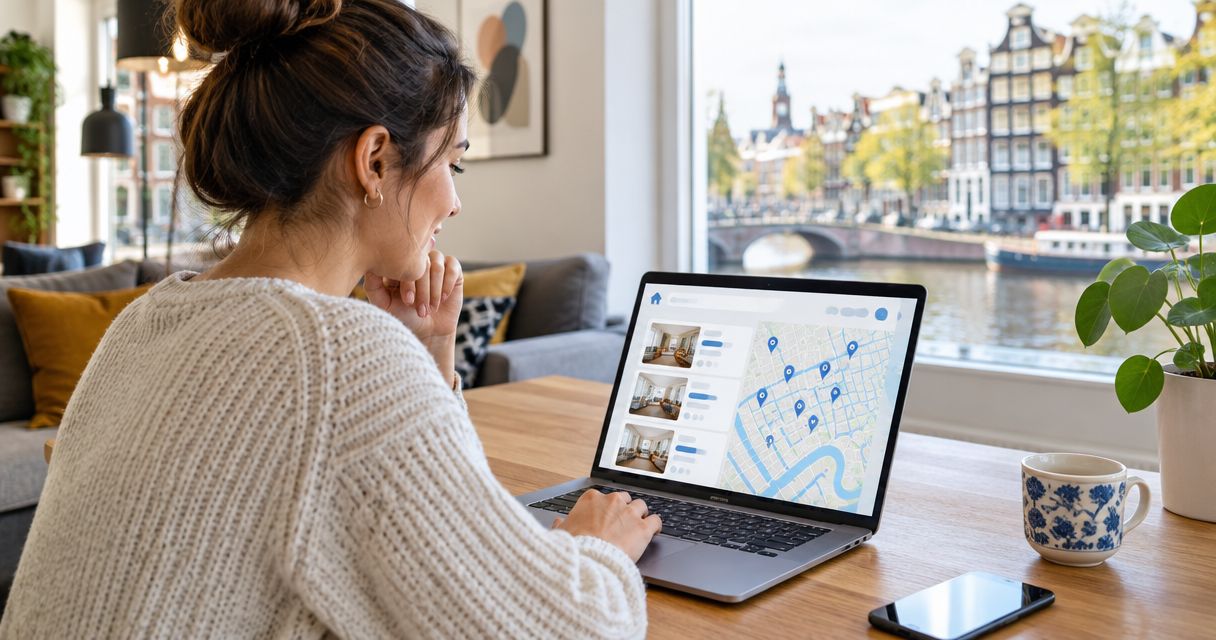
Instead of repeatedly checking Kamernet listings and arranging travel for viewings, use a promising listing as the start of a remote rental workflow: confirm that the advertiser accepts a virtual viewing, review the proposed lease, and sign only after the terms and property details match. Kamernet remote lease signing depends on the advertiser’s agreement; a listing alone does not establish that you can view or sign remotely.
- Kamernet remote lease signing starts with advertiser confirmation, not a listing or an assumed platform connection.
- Relocify is best for internationals who want to view Dutch rentals remotely and sign without traveling.
- Keep the listing, viewing details and proposed lease together so you can check them before signing.
- Relocify Search is self-managed; Relocify Plus adds help from a team finding an apartment.
Why this matters
A rental search and a signed lease are different tasks. The listing helps you identify a home; the advertiser controls whether you can view it remotely, apply from abroad and receive an agreement for remote signing. Treat those as three separate confirmations in 2026, rather than assuming that interest in a listing starts a single automated process.
Relocify supports remote home-finding, virtual tours and lease signing for Dutch rentals. It aggregates listings from housing sites and partner agencies, but that does not establish that a particular Kamernet listing appears in Relocify or can be transferred between the platforms. If you start with Kamernet, keep the original listing and advertiser conversation as your record while you assess your next step.
| Route | Best for | What it handles | Main limitation |
|---|---|---|---|
| Kamernet listing | Finding a specific advertised rental | Gives you a listing to investigate and an advertiser to contact | Remote viewing and signing must be confirmed for that property |
| Relocify Search | Internationals managing their own Dutch rental search | Offers a self-managed process with document review and AI assistance | You manage the process yourself; a Kamernet listing is not automatically part of it |
| Relocify Plus | Internationals who want help finding an apartment | Relocify’s team finds an apartment for you | It is not a promise that the team can secure or process a particular Kamernet listing |
The practical choice is simple: pursue a specific Kamernet home directly if its advertiser will work with you remotely, or use Relocify when you want a separate remote-search route. Neither route removes the need to check the actual property and agreement.
Before you start
- Save 1 listing URL and its details. Keep the advertised address or location, property type, stated conditions and the advertiser’s contact information together. You will need them to compare later messages and documents with the original offer.
- Prepare your application materials. Have the identity and income documents the advertiser requests ready to review and share through an appropriate channel. Ask what is needed before sending sensitive files; requirements differ by advertiser.
- Get remote-process consent first. Ask whether the advertiser permits a live virtual viewing, accepts an application from your location and can arrange remote lease signing. The gotcha: agreement to show a property on video is not agreement to sign a lease remotely.
Do not begin collecting extra documents or arranging a signing call until you know which property is being offered and who is handling the application. That pause is especially useful when a conversation moves away from the original listing: it gives you a clear point at which to recheck the advertiser and the home.
Set up the listing record
- Capture the original offer. Save the Kamernet listing URL and a copy of its relevant text. Record the location, described space, included features and any conditions that affect your decision. If a detail is missing, mark it for a question rather than filling it in yourself.
- Separate facts from requests. Put confirmed listing details in one note and your questions in another. Ask which unit is available, whether the advertised terms still apply and who will send any proposed agreement.
- Keep messages with the listing. Store the advertiser’s replies alongside your listing record. When an address, property description or contact changes, ask for an explanation before proceeding.
Expected result: you have 1 listing record that lets you compare the advertised home with the viewing, application instructions and proposed lease. In a 2026 remote search, that record is more useful than relying on memory across separate messages.
Arrange the remote viewing
- Request a live walkthrough. Ask the advertiser whether they can show the specific home remotely and when you can ask questions during the viewing. A prerecorded tour can help you screen a home, but it cannot answer a question you discover while watching.
- Check the spaces that matter to you. Ask to see the entrance, each room included in the rental and any shared spaces described in the listing. If you are considering a room rather than an entire apartment, confirm which areas are private and which are shared.
- Compare the viewing with the record. Check whether the property shown matches the listing’s layout and description. Ask the advertiser to clarify any difference before submitting an application.
- Record what remains unverified. Write down anything the video did not establish, including a space you could not see or a feature you could not assess. Do not turn an unanswered question into an assumption.
Expected result: you can identify the home you viewed and state what still needs confirmation. For a closer look at the viewing stage, use the remote Dutch rental viewing guide.
A virtual tour is a way to inspect the offer, not proof that every lease term is acceptable. Keep the viewing notes available when the contract arrives; a property can look right on video while the document describes different occupancy, included space or start conditions.
Prepare the application
- Ask for the document list. Find out what this advertiser needs from an applicant abroad. Do not assume that documents requested for another Dutch rental will satisfy this application.
- Explain your situation plainly. State when you expect to move, who would occupy the home and which requested documents you can provide. If you do not have a Dutch payslip, ask which alternative evidence the advertiser will consider before sending unrelated personal records.
- Confirm the recipient. Check who is authorized to receive your application and who represents the property owner or letting party. Keep that information with the listing record.
- Get the next step in writing. Ask whether the advertiser will review the application first, issue proposed lease terms or request another conversation. A clear sequence prevents a document request from being mistaken for acceptance.
Expected result: the advertiser has the materials they requested, and you know what response to expect. If the answer is unclear, stay at the application stage; you do not yet have a lease to sign.
Review and sign the lease remotely
- Request the complete proposed agreement. Read the document you would actually sign, including any attachments the advertiser says form part of it. A summary in a message is not a substitute for the proposed lease.
- Match it to the home. Compare the address, unit description, included spaces and occupants with your listing record and viewing notes. Ask for corrections in the document itself when a material detail does not match.
- Check the terms you will live with. Read the start date, duration, rent terms, deposit terms, included services, maintenance responsibilities and any rules relevant to your household. Ask what a clause means before signing if you cannot explain it in plain language.
- Confirm the signing route. Ask the advertiser how both parties will sign remotely and how you will receive the completed agreement. Do not assume that a document emailed to you has been accepted by the other party.
- Keep 1 signed lease copy. Once signing is complete, save the version bearing the parties’ signatures with the listing record and relevant correspondence. Check that it is the final agreed version, not an earlier draft.
Expected result: you hold a signed copy for the property and terms you reviewed. The guide to signing a Dutch lease without visiting covers this decision in more detail.
Do not sign to resolve an unanswered property question. Signing is the end of the verification sequence, not a way to reserve time to investigate later. If the proposed lease differs from the offer, request a corrected version and review it again.
Start your remote rental search
Explore Dutch rentals, virtual tours and remote lease signing with Relocify.
Use a separate search route when the listing stalls
A Kamernet advertiser might not agree to a virtual viewing or remote signing. In that case, do not treat the listing as a workable remote option in 2026. Continue searching for a property whose advertiser confirms both steps, or switch to a route built around finding and viewing Dutch rentals remotely.
Relocify Search is best for someone who wants to manage the search and documents independently. Its advantage is a self-managed process with AI assistance; its trade-off is that you remain responsible for handling the process. Relocify Plus is best for someone who wants a team to find an apartment. Its advantage is assisted home-finding; its trade-off is that the service is not a way to require a particular Kamernet advertiser to cooperate.
Keep the routes distinct. Starting with a Kamernet listing does not imply that the listing is in Relocify Search, that Relocify Plus has access to it or that either service can change the advertiser’s signing process. The useful outcome is a rental you can evaluate and sign for remotely, not preserving one listing at any cost.
Troubleshooting
The advertiser offers a video but will not confirm remote signing. Ask directly how an applicant abroad would receive, review and sign the lease. If there is no workable answer, do not treat the viewing as a complete remote-rental route.
The home shown does not match the listing. Ask which address and unit the application concerns, then compare the answer with the listing record. Pause until the advertiser explains the difference in writing.
The requested documents are unclear or keep changing. Ask for one current list and identify which document each request replaces or adds. Send only what the application requires, through a channel you have checked with the intended recipient.
The proposed lease differs from the viewing or messages. Point to the exact discrepancy and request a revised document. Review the new version from the start; do not rely on an assurance that an unchanged clause will be handled later.
You receive a draft but no completed agreement. Ask when and how the other party will sign, then keep the final signed copy. A draft alone does not complete the remote-signing workflow.
These checks matter because a 2026 remote application involves both a property you cannot inspect in person and documents you may be asked to share from abroad. Each mismatch has a practical fix: stop at the stage where it appears, get a clear answer and update your record before continuing.
Customize your workflow
Build the record around the decisions you actually need to make. If you are searching for a shared room, add questions about private and shared areas. If you are applying with a partner or family, confirm that the proposed agreement reflects the intended occupants. If your employment documents come from outside the Netherlands, ask which evidence the advertiser accepts before assembling an application.
Set two written checkpoints for each promising home: confirmation that remote viewing is possible, then confirmation that remote signing is possible. A third checkpoint comes when the proposed lease matches the home you viewed. This is a workflow you control; it is not a claim that Kamernet or an advertiser provides a fixed sequence.
If an advertiser cannot answer a checkpoint, return to the search rather than pushing an incomplete application forward. For a broader 2026 search, compare multiple suitable homes by the same criteria: property match, viewing access, document requirements and signing route. That makes the next listing easier to assess without assuming it follows the previous advertiser’s process.
FAQ
Can I sign a Dutch lease remotely after finding a home on Kamernet?
Yes, if the advertiser agrees to a remote process and provides an agreement you can review and sign. A Kamernet listing alone does not confirm remote viewing or signing.
Does Relocify import my Kamernet listing automatically?
Do not assume a Kamernet listing transfers to Relocify. Relocify aggregates listings from housing sites and partner agencies, but the available information does not establish a connection for a particular listing.
What should I confirm before a virtual rental viewing?
Confirm that the viewing covers the specific home in the listing and that you can ask about spaces or features you need to check. Also ask whether the advertiser accepts applications and lease signing from abroad.
Is a virtual tour enough to sign a Dutch lease?
No. Compare the proposed lease with the listing and viewing, and resolve differences before you sign. A tour shows the property; it does not establish the contract terms.
Is Relocify Search or Relocify Plus better for a self-managed move?
Relocify Search is the self-managed option. Relocify Plus is the assisted option in which the team finds an apartment for you.
What if a lease draft names a different property?
Stop and ask for a corrected agreement before signing. Check the revised document against the listing and viewing record rather than relying on a message explaining the difference.
How do I know remote lease signing is complete?
Keep the final agreement signed by the parties and check that it matches the terms you accepted. A proposed draft or an unanswered signing request is not your completed lease copy.
One last thing
The decisive question in a 2026 Kamernet remote lease signing search is not whether a home looks right online. It is whether the same home appears consistently in the listing, virtual viewing and signed agreement. If those records do not line up, pause before signing.